Si vous avez passé un peu de temps autour des logiciels d’entreprise, vous avez forcément entendu les acronymes ERP et CRM — parfois utilisés de façon interchangeable. Ce n’est pourtant pas la même chose. Les deux aident une entreprise à mieux fonctionner, mais ils s’occupent de parties très différentes de l’activité. Voici une explication claire.
Qu’est-ce qu’un ERP ?
ERP signifie Enterprise Resource Planning (progiciel de gestion intégré). C’est un système qui centralise et gère les opérations internes essentielles de l’entreprise en un seul endroit — finance, comptabilité, stocks, achats, ressources humaines, production et chaîne logistique.
Avant les ERP, chaque service utilisait généralement son propre logiciel isolé : un outil pour la comptabilité, un autre pour l’entrepôt, un troisième pour les RH. Les données vivaient en silos, les rapports se contredisaient et personne n’avait de source de vérité unique. L’ERP résout cela en connectant tout à une base de données partagée.
- Finance et comptabilité — grand livre, facturation, paiements, reporting financier.
- Stocks et chaîne logistique — niveaux de stock, achats, gestion d’entrepôt.
- Ressources humaines — paie, dossiers du personnel, gestion des congés.
- Production et opérations — planification de la production, suivi des commandes.
- Reporting — tableaux de bord à l’échelle de l’entreprise, sur des données unifiées et en temps réel.
Exemples connus : SAP, Oracle NetSuite, Microsoft Dynamics 365, Odoo.
En résumé : un ERP sert à faire tourner l’entreprise efficacement de l’intérieur.
Qu’est-ce qu’un CRM ?
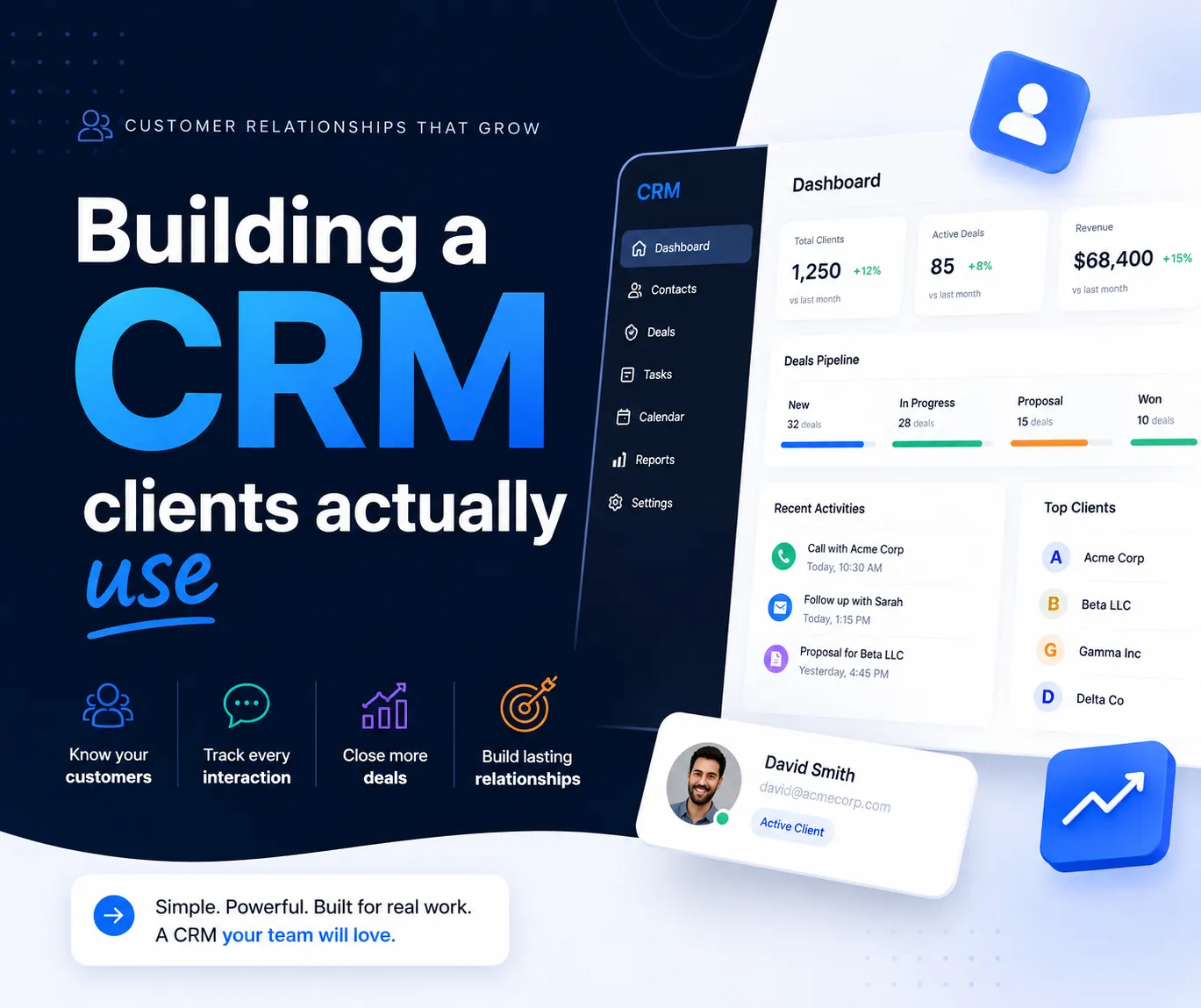
CRM signifie Customer Relationship Management (gestion de la relation client). C’est un système entièrement tourné vers la partie de l’entreprise en contact avec les clients — ventes, marketing et support. Son rôle : aider l’entreprise à attirer, convertir et fidéliser ses clients.
Un CRM conserve l’historique complet de chaque interaction avec chaque prospect et client : e-mails, appels, rendez-vous, affaires en cours, tickets de support et historique d’achat. Au lieu qu’un commercial garde ses notes dans un tableur (ou dans sa tête), toute l’équipe partage une même vue du client.
- Gestion des contacts et des leads — une base de prospects et de clients avec tout l’historique des interactions.
- Pipeline commercial — suivi des affaires par étape, prévision du chiffre d’affaires.
- Automatisation marketing — campagnes e-mail, scoring des leads, segmentation.
- Support client — tickets, relances, suivi de la satisfaction.
- Analytique — taux de conversion, performance commerciale, valeur vie client.
Exemples connus : Salesforce, HubSpot, Zoho CRM, Pipedrive.
En résumé : un CRM sert à faire croître le chiffre d’affaires en gérant les relations avec l’extérieur.
Les différences clés
- Périmètre — ERP : opérations internes · CRM : relations clients.
- Objectif principal — ERP : réduire les coûts, gagner en efficacité · CRM : augmenter les ventes et la fidélisation.
- Utilisateurs principaux — ERP : finance, RH, opérations, logistique · CRM : ventes, marketing, support.
- Données au cœur — ERP : finances, stocks, employés · CRM : leads, clients, affaires, interactions.
- Orientation — ERP : back-office · CRM : front-office.
- La question à laquelle il répond — ERP : « Combien de stock avons-nous et combien a-t-il coûté ? » · CRM : « Où en est cette affaire et quand avons-nous contacté ce client pour la dernière fois ? »
L’ERP fait économiser de l’argent. Le CRM en fait gagner.
C’est le moyen le plus simple de s’en souvenir : l’ERP optimise ce qui se passe en coulisses ; le CRM optimise ce qui se passe avec le client.
Se recoupent-ils ?
Oui — et c’est de là que vient la confusion. Beaucoup d’ERP modernes (comme Odoo ou Dynamics 365) incluent un module CRM, et les grands CRM proposent des fonctions qui empiètent sur le territoire de l’ERP, comme la facturation. Certaines entreprises utilisent une suite intégrée ; d’autres connectent un CRM dédié à un ERP dédié pour qu’une affaire gagnée dans le CRM génère automatiquement une facture et mette à jour les stocks dans l’ERP.
Lequel choisir pour son entreprise ?
Tout dépend du problème à résoudre :
- Du mal à suivre les leads et à conclure les ventes ? Commencez par un CRM.
- Noyé sous les tableurs pour les stocks, la comptabilité ou la paie ? Commencez par un ERP.
- Une croissance rapide sur les deux fronts ? Il vous faudra à terme les deux, intégrés — le CRM alimentant l’ERP en données clients, et l’ERP donnant aux équipes commerciales la visibilité sur les commandes, les stocks et la facturation.
Le mot de la fin
ERP et CRM ne sont pas concurrents — ce sont les deux moitiés d’une entreprise bien gérée. L’ERP fait tourner le moteur en interne, pendant que le CRM tire la croissance à l’extérieur. Comprendre la différence est la première étape pour choisir (ou construire) le bon outil.